Investing
How to Calculate ARV (After Repair Value): A Flipper's 2026 Playbook
This guide shows investors and flippers how to estimate ARV from comps, budget the renovation and set a maximum offer with the 70% rule.
·11 min read
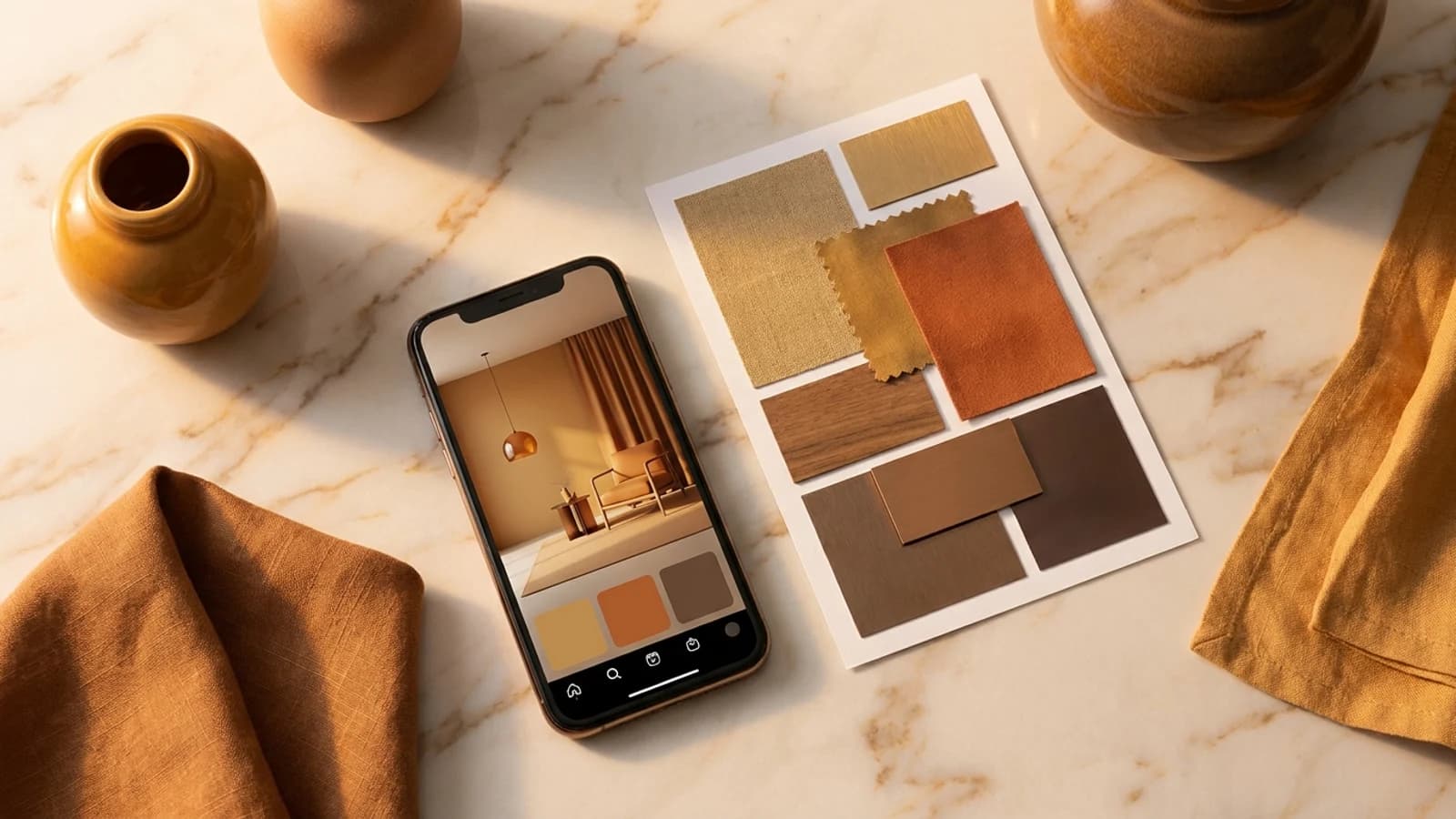
We tested the top AI interior design apps of 2026. Compare features, pricing, and see which room design tool is best for your needs. Updated January 2026.
We tested every major AI interior design app to find the best options for 2026. Whether you want instant room makeovers, detailed floor plans, or human designer expertise, this guide covers your options.
We spent 40+ hours testing each app, evaluating them on:
| App | Best for | Speed | Pricing |
|---|---|---|---|
| 1. Compozit Vision | Best Overall | 30 sec | Free / $9.99–29.99/mo |
| 2. Roomvo | Best for Real Estate | Varies | Contact for pricing |
| 3. Planner 5D | Best for Floor Plans | Varies | Free / $6.99–24.99/mo |
| 4. DecorMatters | Best for AR Preview | Varies | Free / $9.99–19.99/mo |
| 5. Havenly | Best Human Service | 3–7 days | $99–1,299/room |
| 6. HomeStyler | Best Free Option | Varies | Free / Premium available |
| 7. RoomSketcher | Best for Professionals | Varies | $49–99/mo |
AI-powered room redesign with instant results and real cost estimates.
Pros:
Cons:
Pricing: Free / $9.99–29.99/mo Best for: Homeowners wanting quick, affordable room makeovers
Virtual staging platform for visualizing furniture in spaces.
Pros:
Cons:
Pricing: Contact for pricing Best for: Real estate agents and furniture retailers
3D floor planning software with furniture visualization.
Pros:
Cons:
Pricing: Free / $6.99–24.99/mo Best for: DIYers planning renovations or new construction
AR furniture preview app with social features.
Pros:
Cons:
Pricing: Free / $9.99–19.99/mo Best for: Furniture shoppers wanting AR preview
Online interior design service with real designers.
Pros:
Cons:
Pricing: $99–1,299/room Best for: Those wanting human designer guidance
Free room design tool with 3D visualization.
Pros:
Cons:
Pricing: Free / Premium available Best for: Budget users wanting basic visualization
Professional floor planning and 3D visualization.
Pros:
Cons:
Pricing: $49–99/mo Best for: Interior design professionals
What is the best AI interior design app in 2026? Compozit Vision is our top pick for best overall AI interior design app in 2026 — it combines instant AI redesigns with real product pricing and voice-driven iteration in a single app.
Are AI interior design apps accurate? Modern AI apps generate photorealistic results, with cost estimates typically within 10–15% of actual prices. Treat the render as a preview and confirm exact prices and dimensions before you buy or build.
How much do AI interior design apps cost? AI apps range from free to $30/month. Most offer free tiers. Premium plans cost $10–30/month, compared to $99–$1,000+ for human designers.
Can AI replace human designers? AI excels at quick visualization and is ideal for most homeowners. Human designers remain valuable for complex renovations, unusual spaces, and projects above $50k where taste and in-person decision-making are critical.
The best AI interior design app depends on your needs:
Compozit
Virtual staging, renovation previews, and listing-ready photos for real estate pros — in under 30 seconds.
Start FreeKeep Reading
This guide shows investors and flippers how to estimate ARV from comps, budget the renovation and set a maximum offer with the 70% rule.
What AI photo editing can fix in listing photos, where the MLS line sits, and a workflow agents can run on every listing without misleading buyers.
An honest 2026 comparison of virtual staging and physical staging for real-estate agents and sellers — real cost ranges, turnaround time, buyer perception,